Theme Personalization
Customizing the theme
We can customize the Web SDK to match your company's theme, allowing it to integrate better with the website where it will be placed. These customizations are managed from our platform and do not require any code modification or deployment on your side.
The customizations can be grouped as follows:
- Main screen
- Chat screen
- Side menu
In the following sections, we'll use several shades of blue to demonstrate what can be customized.
Main screen
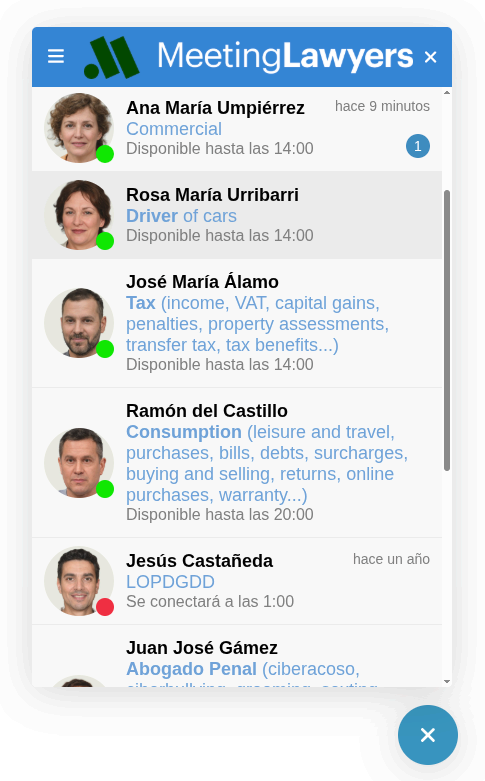
On the main screen, you can customize:
- Toolbar: background color and header image
- Unread message count badge color
- Call-to-action button color (open/close)
- Professional specialty text color
Chat screen
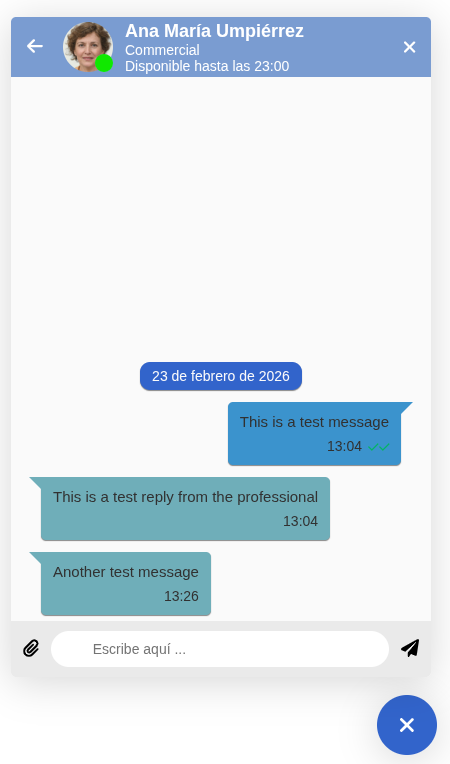
On the chat screen with a professional, you can customize:
- Toolbar color
- Primary color for the date badge
- User message background color
- Professional message background color
Menu
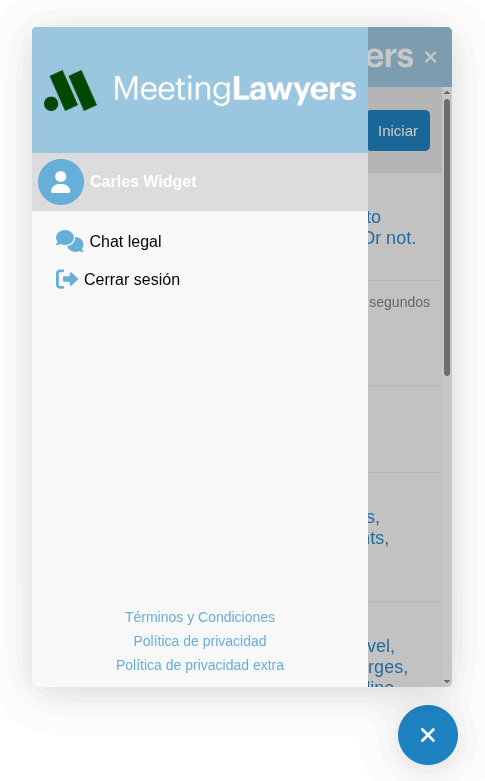
On the side menu, you can change:
- Primary color for profile and item icons, and bottom links